Tokn.
An AI design agent that turns visual design inspiration into organized, ready-to-use design tokens in seconds.
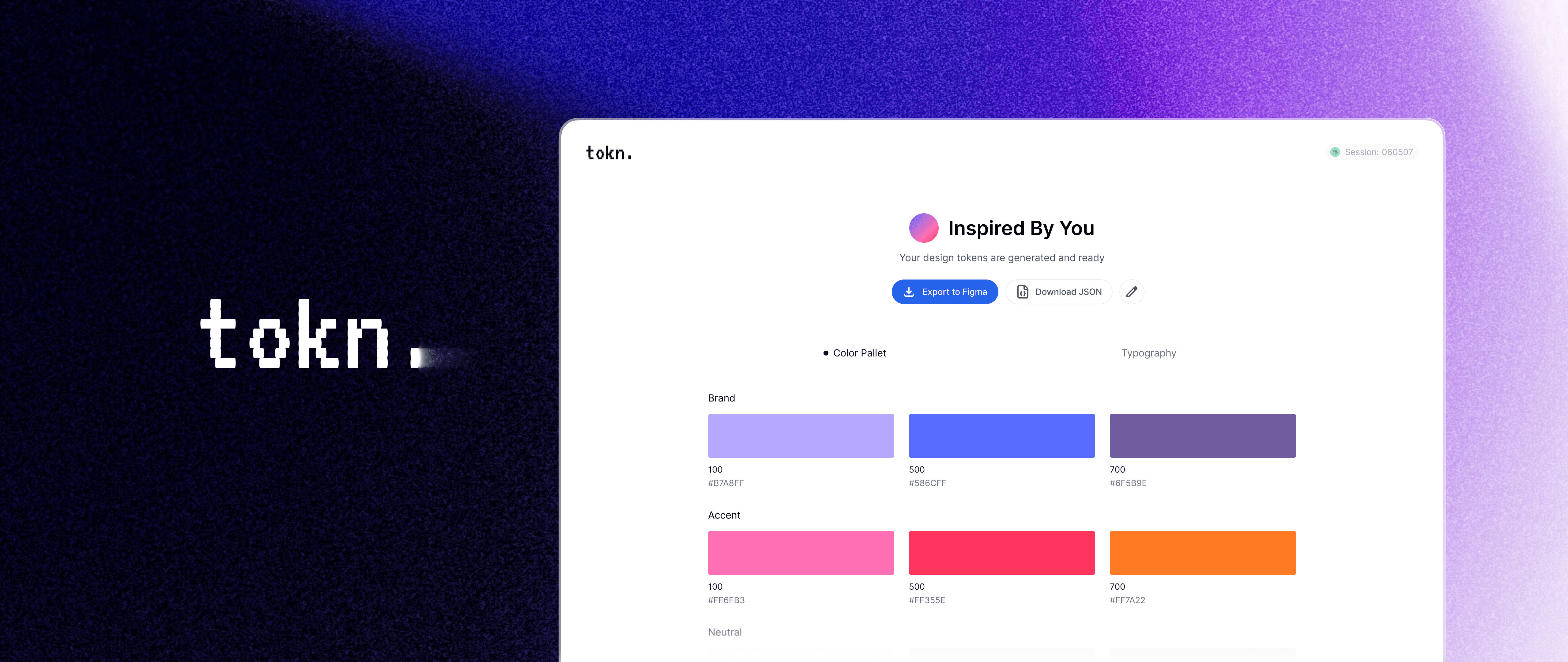
AI-Powered Design Agent
6 weeks
Product Designer & AI Design-to-Code
01
What Is It?
When visual systems and user experiences iterate out of sync, designers often have to retrofit or reorganize colors and typography, creating friction and inconsistencies. Tokn is an AI design agent that turns visual inspiration into structured, ready-to-use color and type tokens earlier and more naturally in the exploration process, helping teams iterate more cohesively, consistently, and efficiently.
I built Tokn end-to-end, defining the product vision, conducting research, and designing the core experiences. The project leveraged AI-assisted prototyping and Figma MCP to translate design into code, resulting in a fully functional internal tool (plugin + web app) used by design teams.
02
Have a Look
03
Behind the Scenes
Problem Space & Pain Points
Across multiple projects, I noticed a workflow gap within design teams: UX often moves fast, but an organized visual systems, especially color and typography, can lag behind. When working without established systems, this mismatch led to misalignment, rework, and friction between design iterations.
Research with designers and product teams surfaced three core pain points.
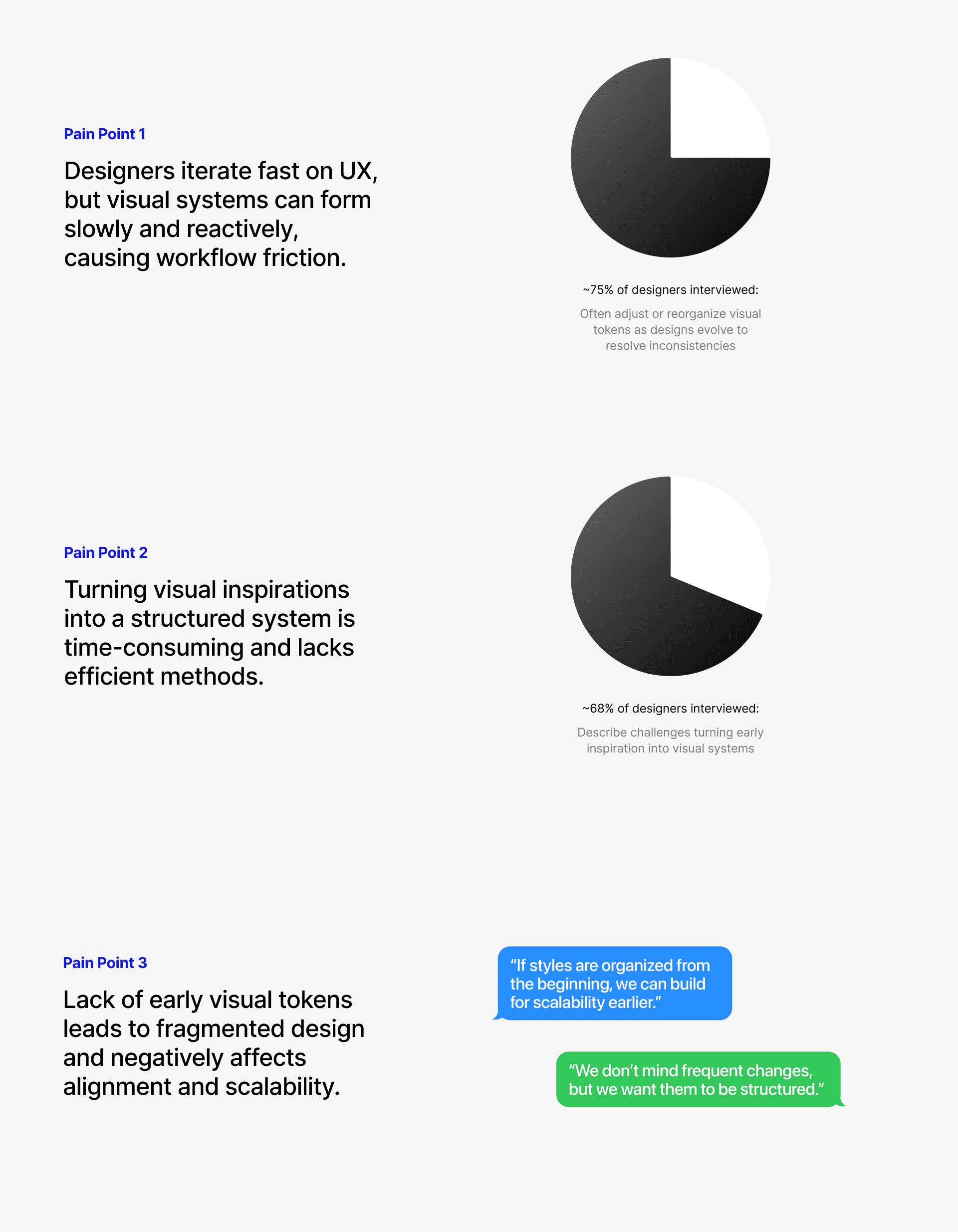
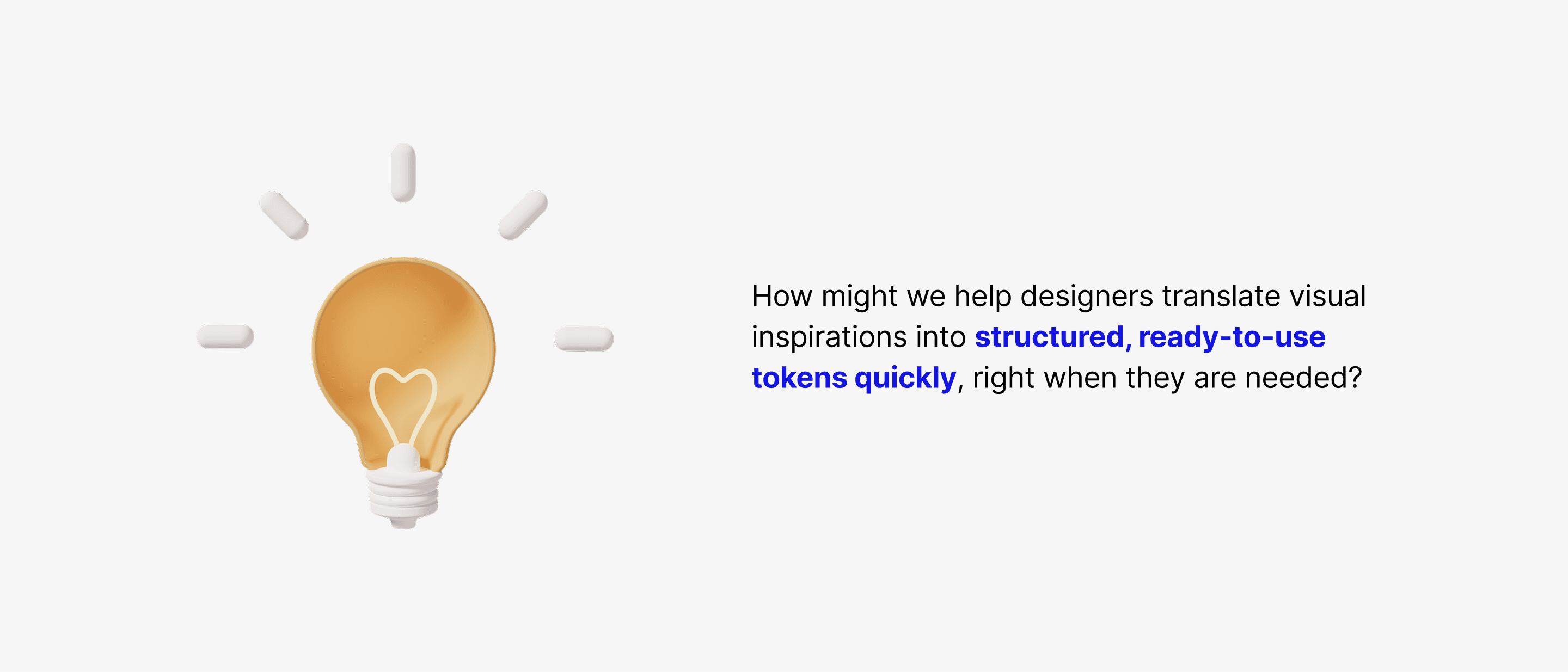
Given these pain points, my design objective consolidated into a how might we statement:
Design Decision - Modality
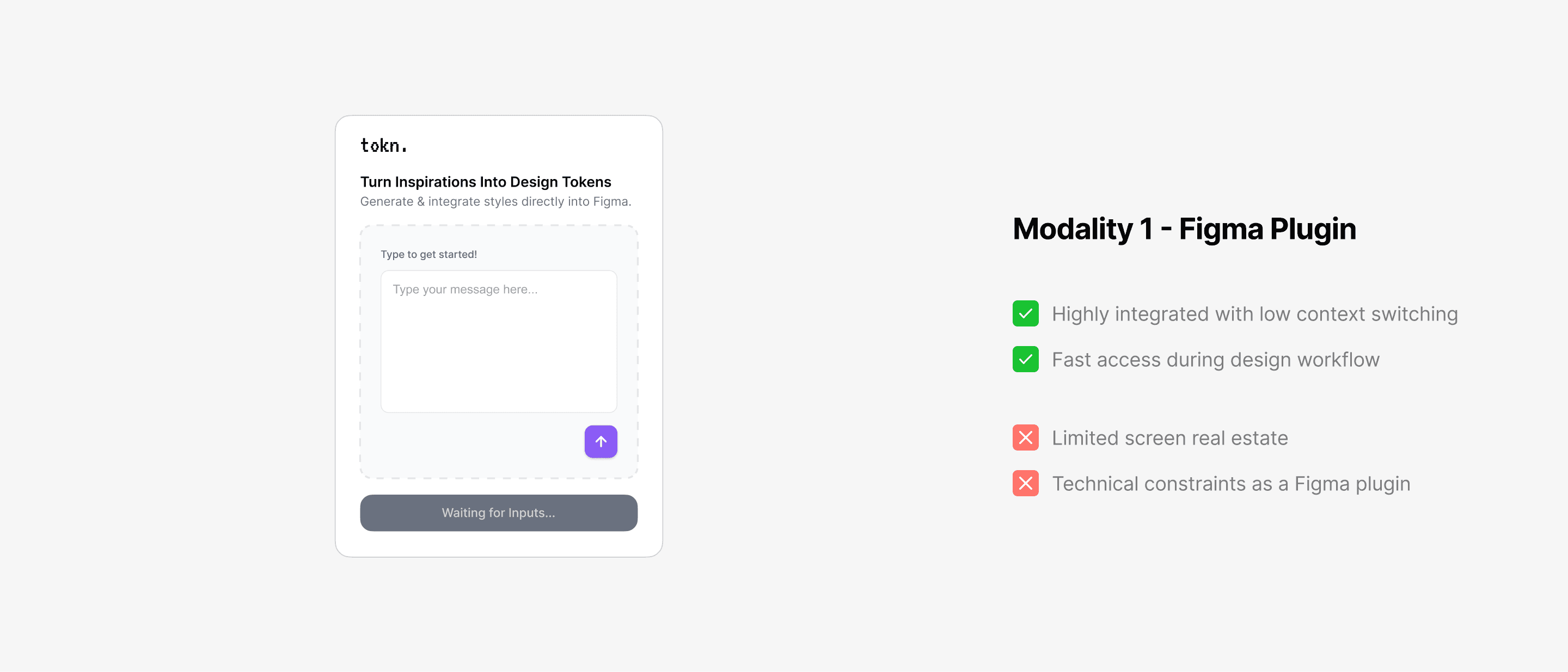
I explored different product modalities to understand how Tokn could best fit seamlessly into users’ workflows while still supporting its technical requirements.
I first considered building Tokn as a Figma plugin, keeping all interactions directly inside the design environment.
I also explored a web-app approach, letting users complete the flow with more space and flexibility before manually bring the results into Figma.
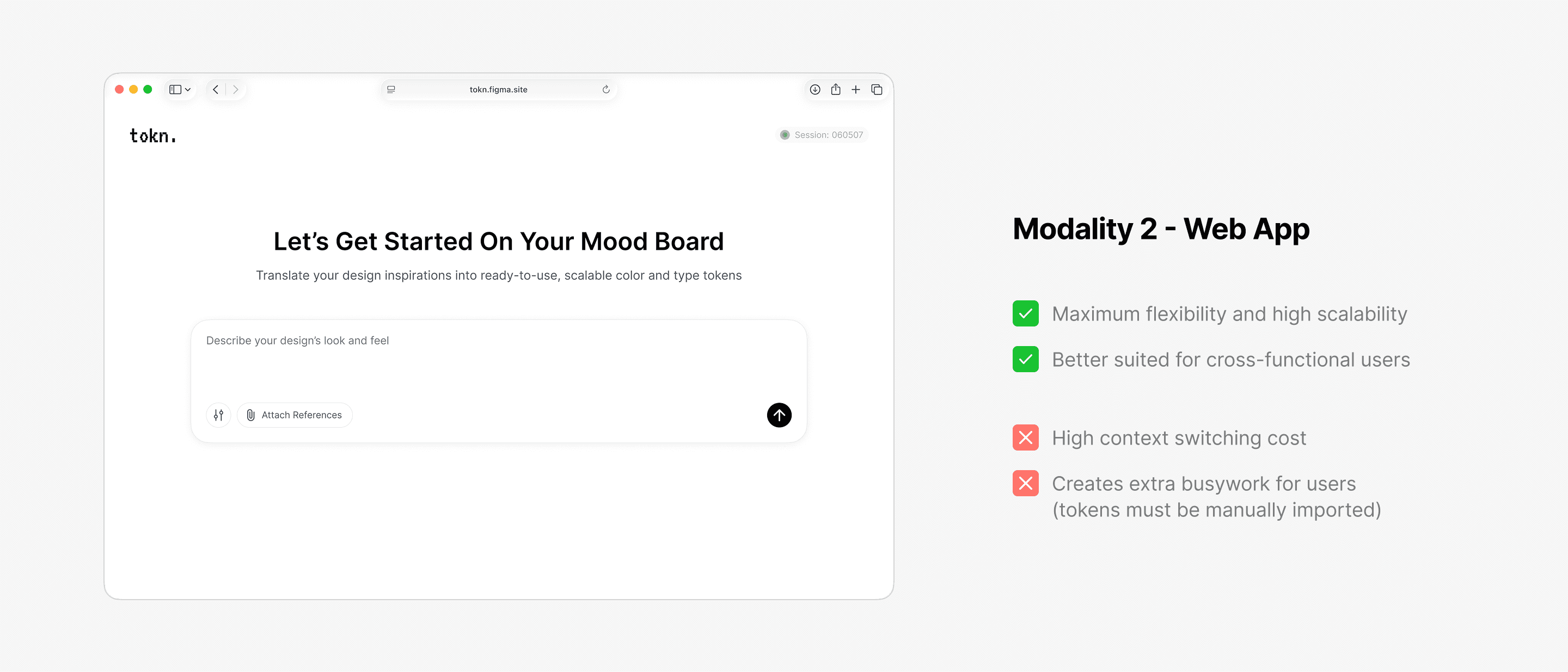
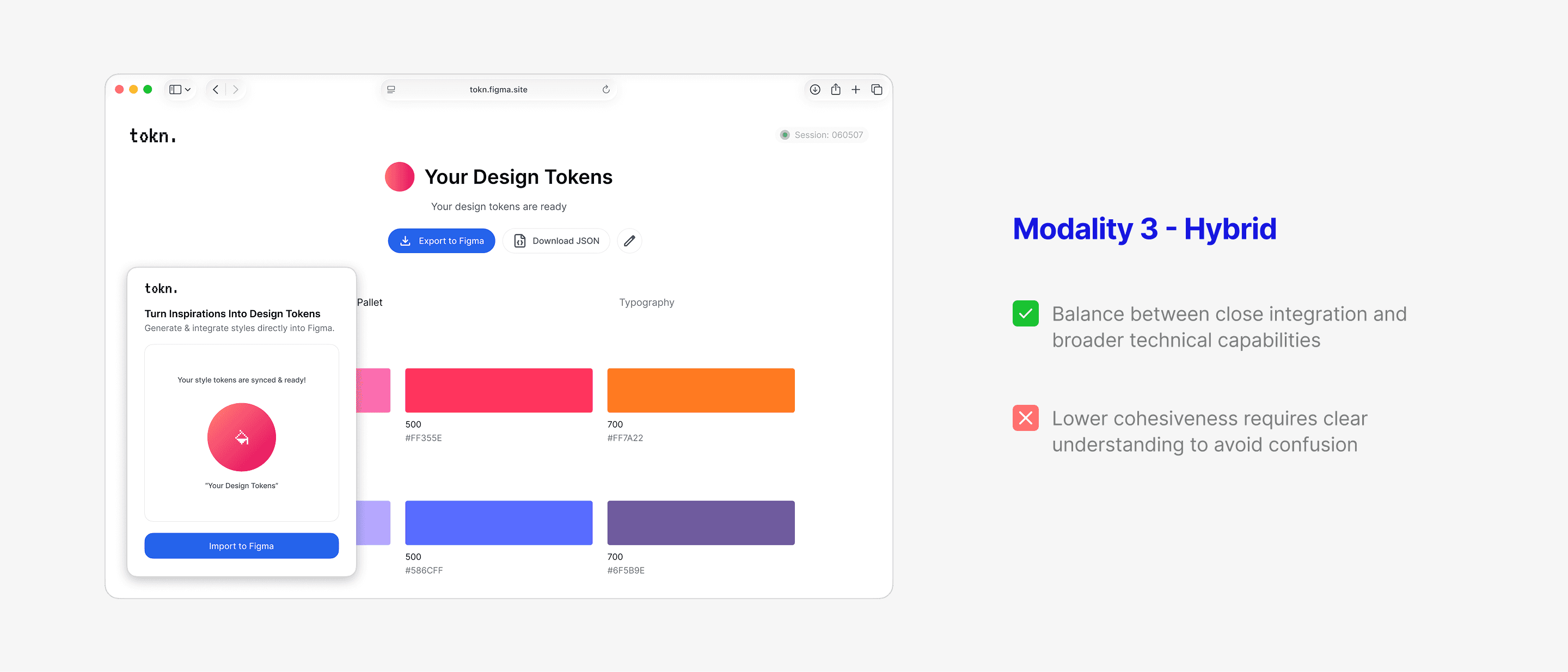
I ultimately landed on a hybrid approach, where the Figma plugin first launches the web app for users to complete the generations, before automatically syncing the output back into Figma.
This approach combines a lightweight Figma plugin for a connected, low-friction experience integrated within existing workflows, paired with a web app to better support token creation and technical flexibility.
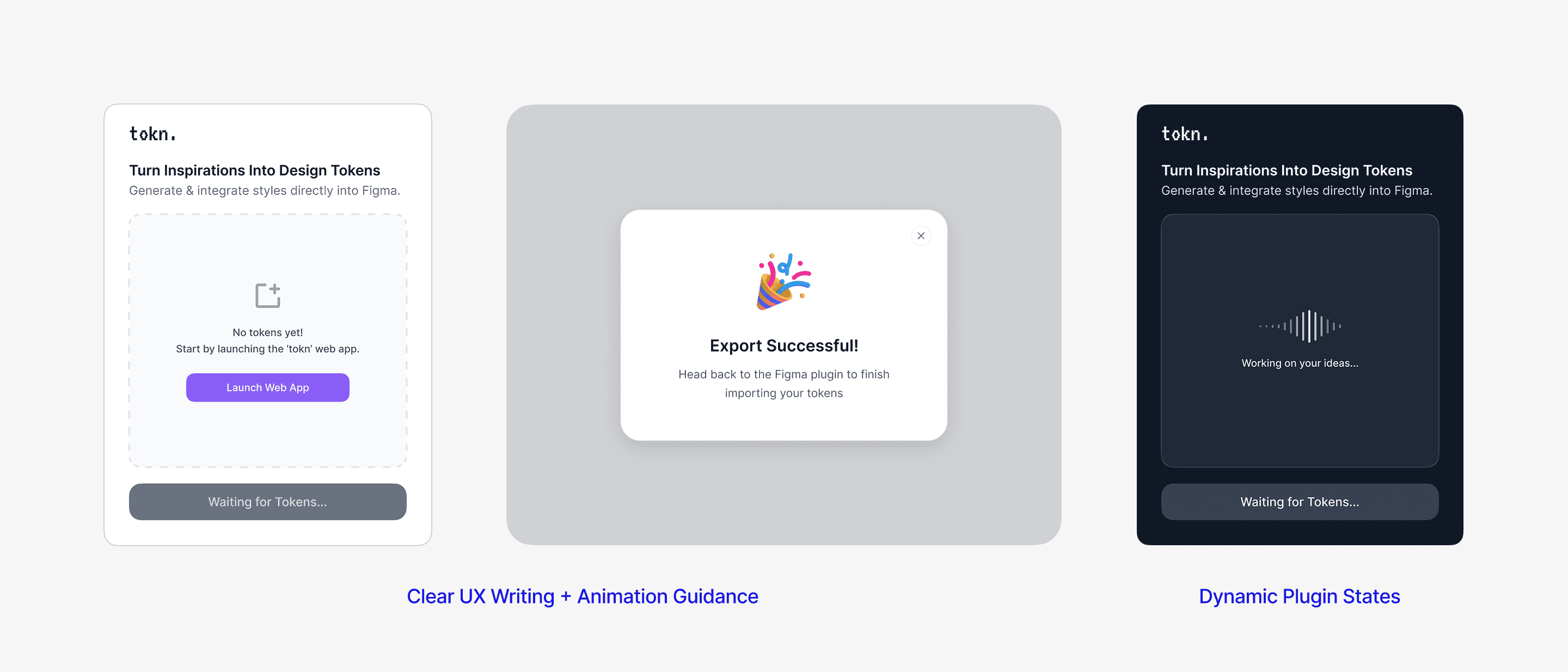
To ensure the cohesiveness of the dual-platform experience and help users understand when to switch between the two, I added subtle animations, clear UX writing, and dormant plugin state, helping users maintain their flow while lowering uncertainty.
Design Decision - Output Screen
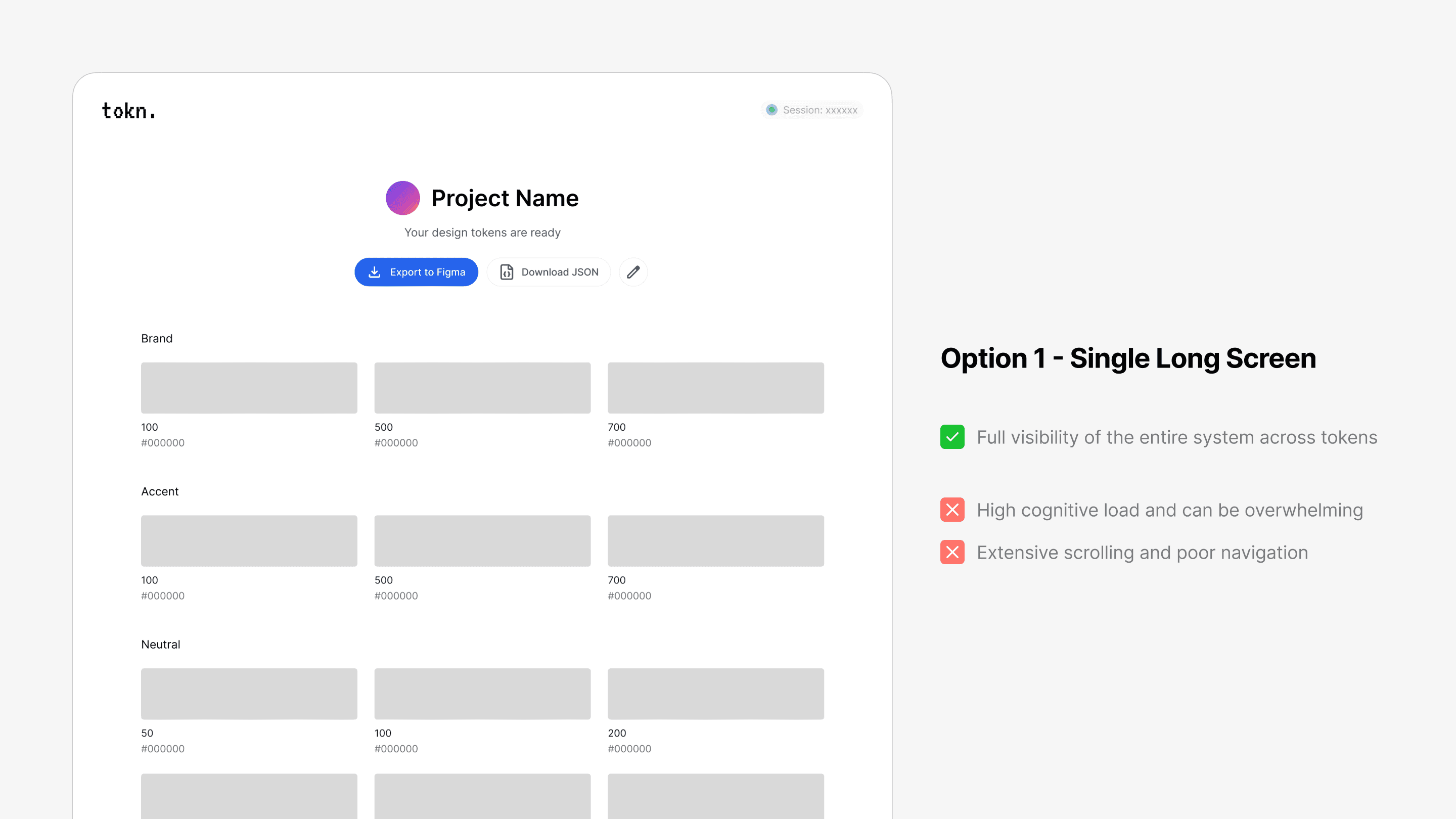
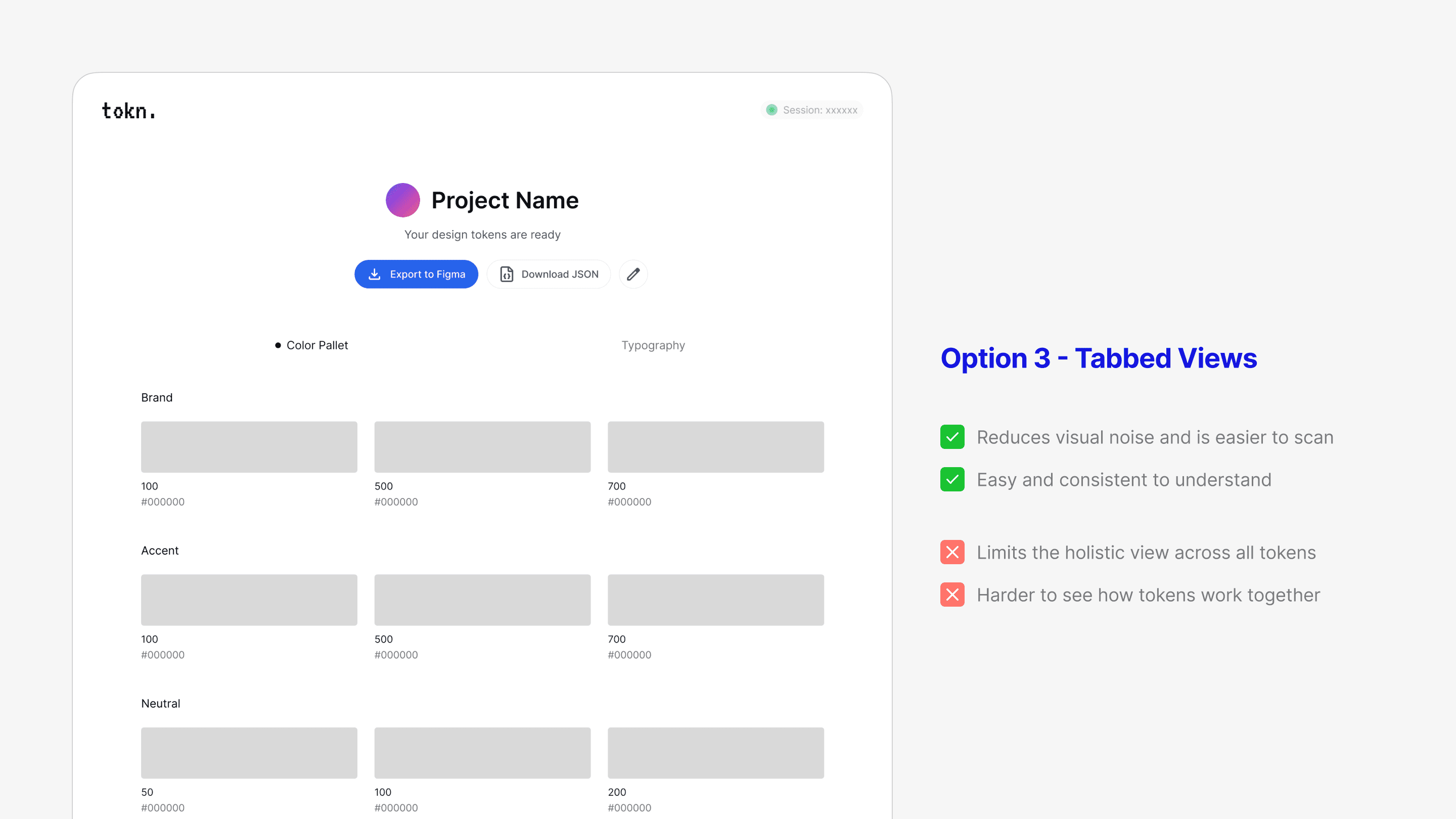
I explored different ways of displaying the output tokens to balance visibility with cognitive load. The goal was to make the output token structures easy to scan and understand without overwhelming the user.
I first tested a single long view that displayed all color and typography tokens in one continuous screen.
I explored grouping tokens into expandable sections, allowing users to focus on one category at a time.

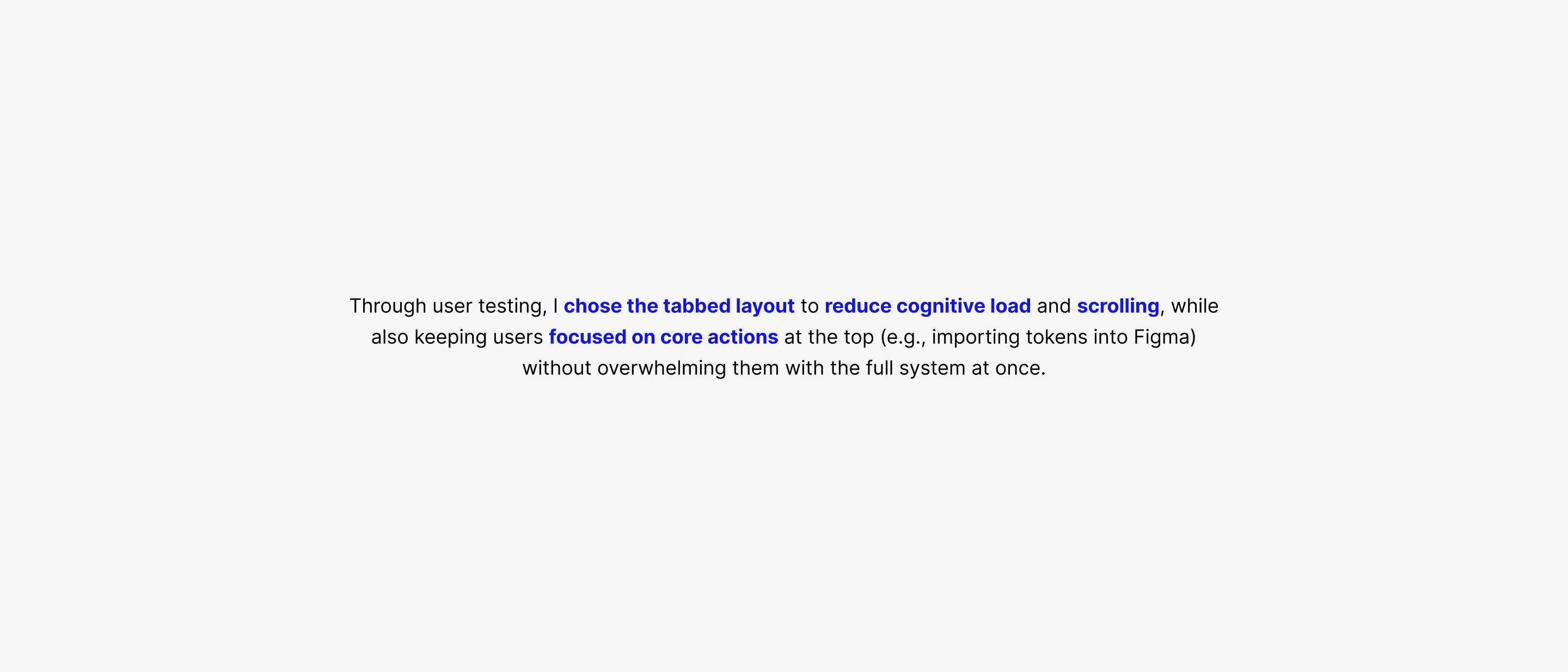
I also tested separating color and typography tokens into two dedicated screens(tabs) to reduce visual clutter.
Designing With AI
Tokn was designed in Figma and developed into a functional, coded product using AI-assisted prototyping and “vibe coding” (GitHub Copilot, Figma Make, and MCP design-to-code).
04
Impact & Reflection
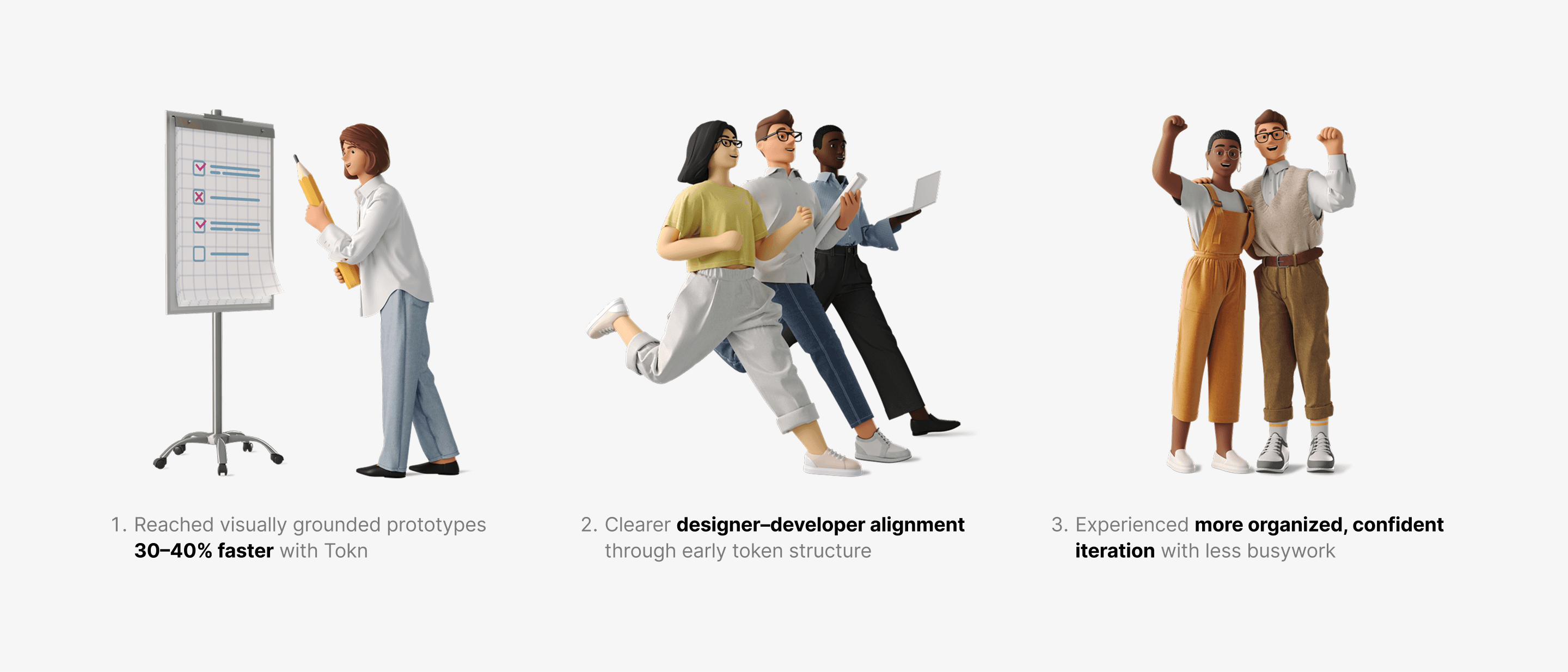
Later feedback showed that with Tokn, designers could anchor visuals sooner, align faster with engineering, and spend more time iterating on decisions that mattered, rather than rebuilding foundations. The result was faster prototyping, smoother collaboration, and greater confidence throughout the workflow.
Lastly, Tokn deepened my understanding of design-to-code workflows through hands-on experimentation with AI-assisted prototyping, vibe coding, and MCPs. I worked across the stack, from design and front-end implementation to backend API integration and AI prompt design, strengthening my systems thinking and my ability to design more effectively with AI.